Designing clarity for one of the most complex training systems.
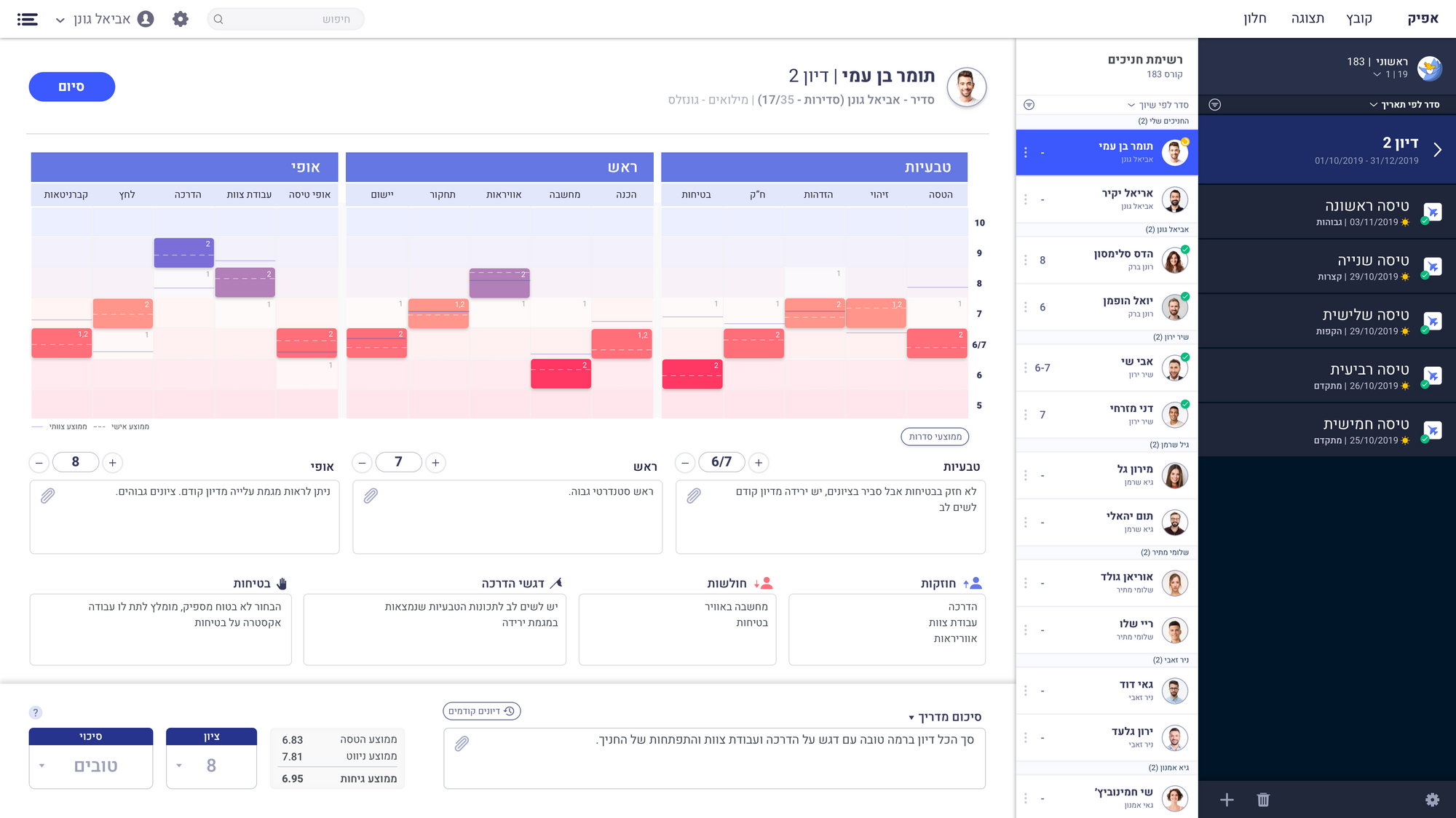
Flight training is evaluated continuously, and every trainee builds a detailed record throughout the entire course. The challenge was to transform this complex evaluation history into a clear and actionable experience, allowing commanders to quickly understand progress, identify patterns, and make informed decisions.
The system serves three distinct user types, each with different goals, responsibilities, and workflows across web, tablet, and mobile.
- Designing for a complex system with a large amount of interconnected data.
- Creating a clear way to navigate and understand a trainee's full journey over time.
- Building flexible filtering and sorting capabilities that support different user needs and decision-making moments.
- Ensuring critical insights are easy to find and difficult to misinterpret, even under time constraints.
Each user comes to the system with a different job, at a different moment, on a different device. The design started from those three journeys rather than from the data model.






Mapping the instructor's real day, from the reminder at home to the evaluation filled in afterwards, is what set the structure of the system.




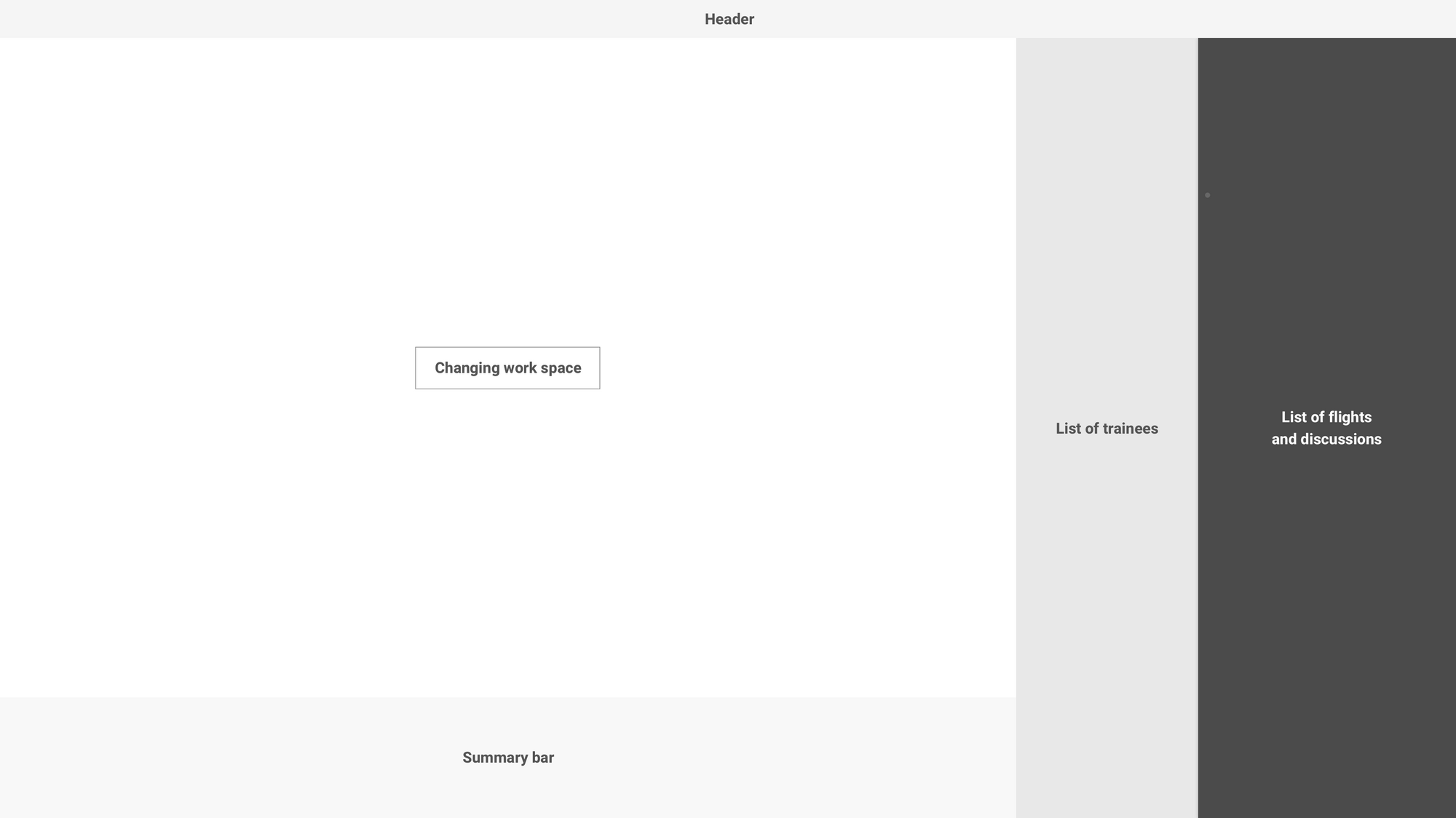
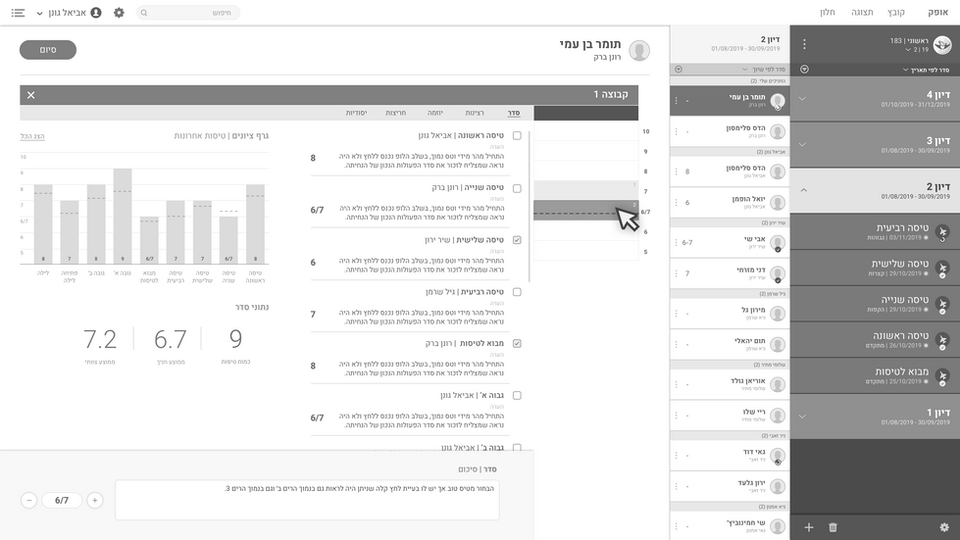
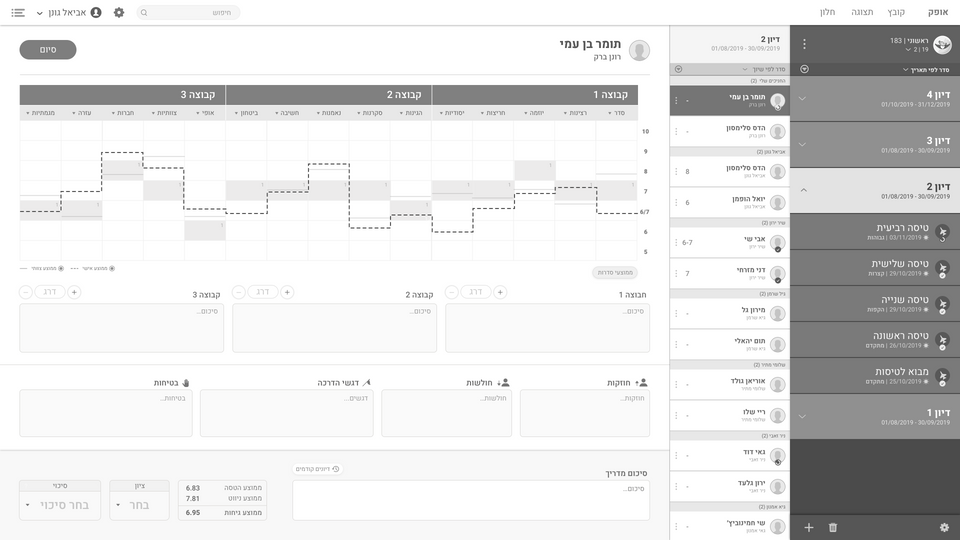
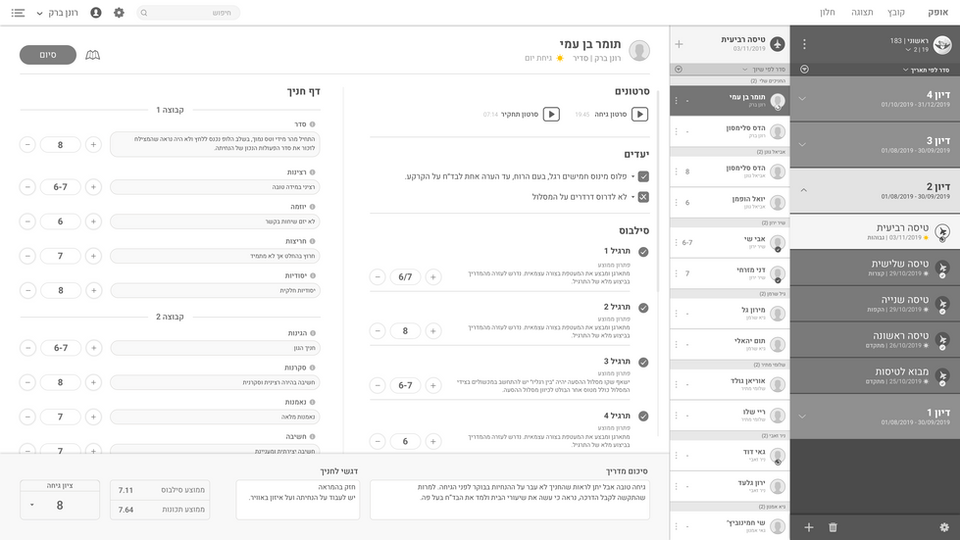
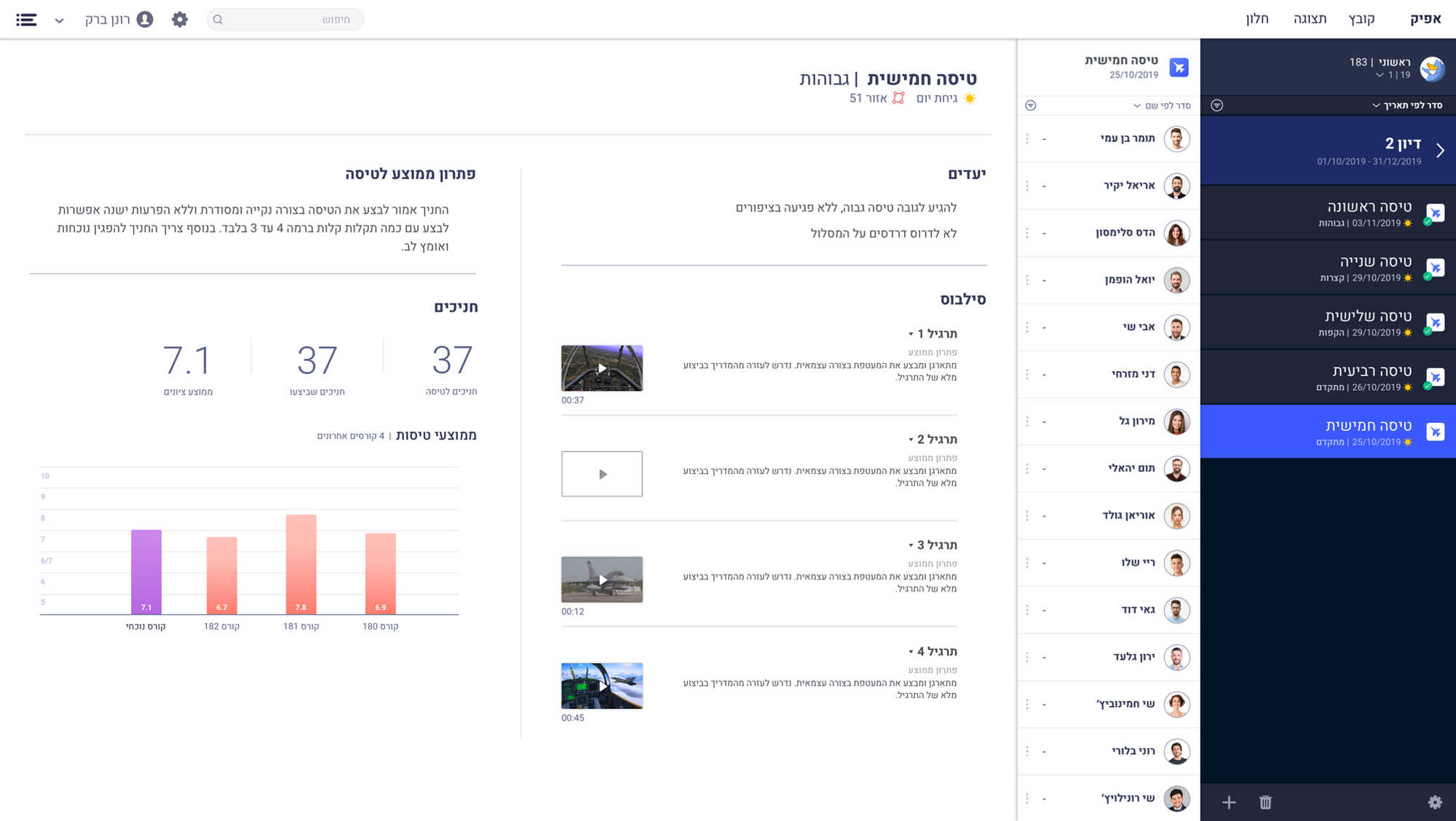
This layout is the product of deep thinking about system navigation, information architecture and hierarchy. Navigation sits on one side, and the results of that navigation, plus the actions available on the page, sit on the other.
 Instructor
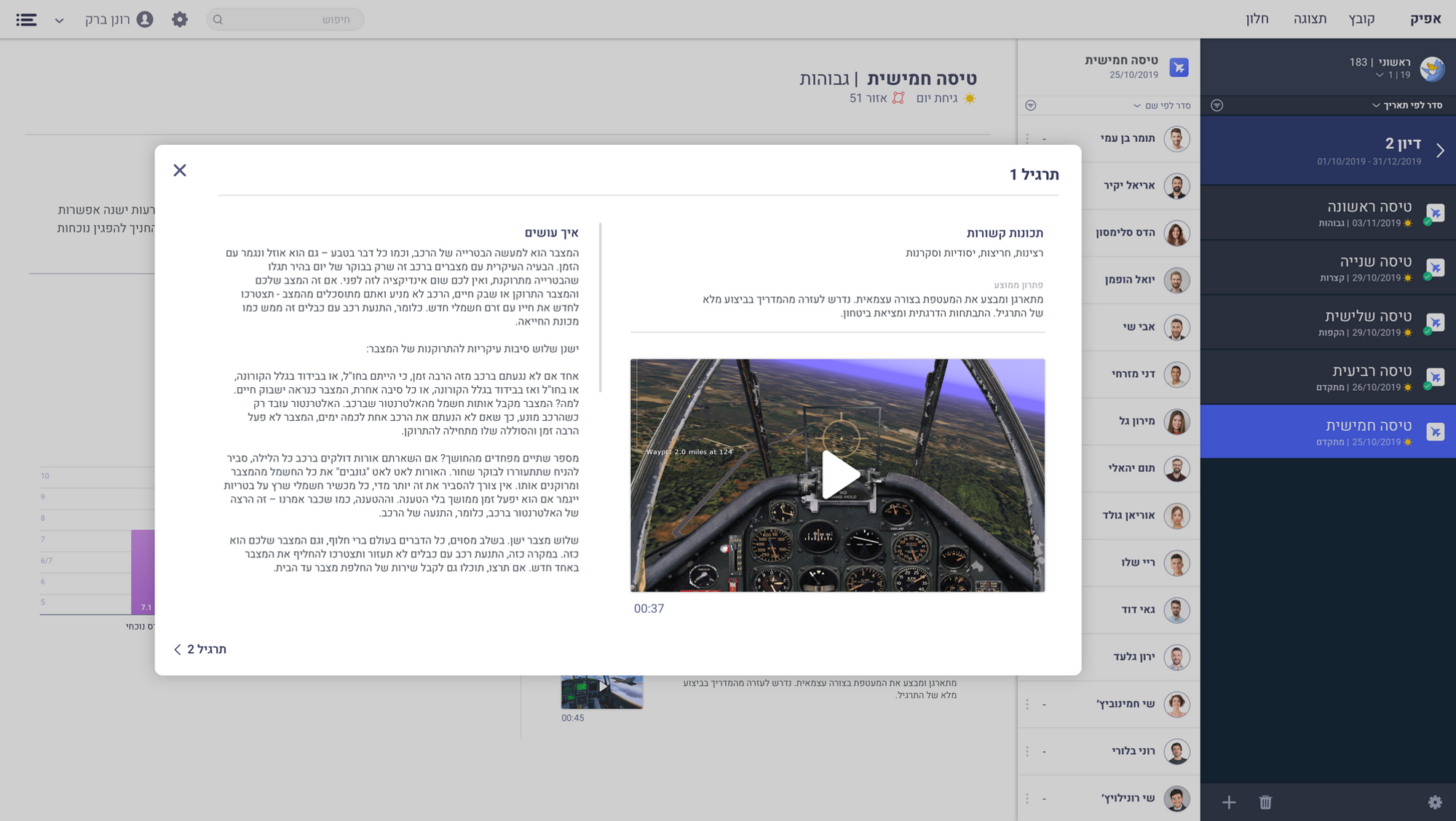
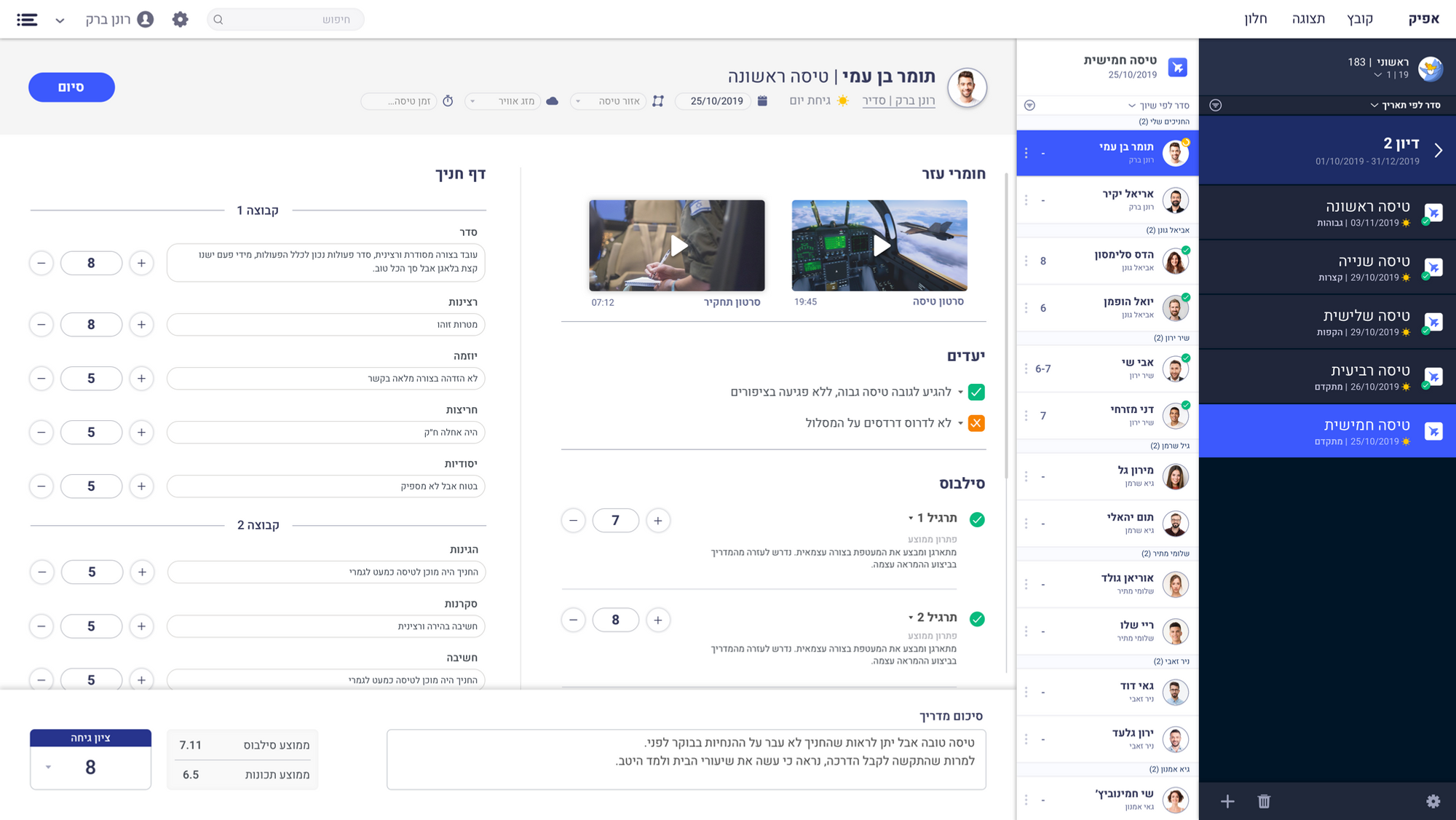
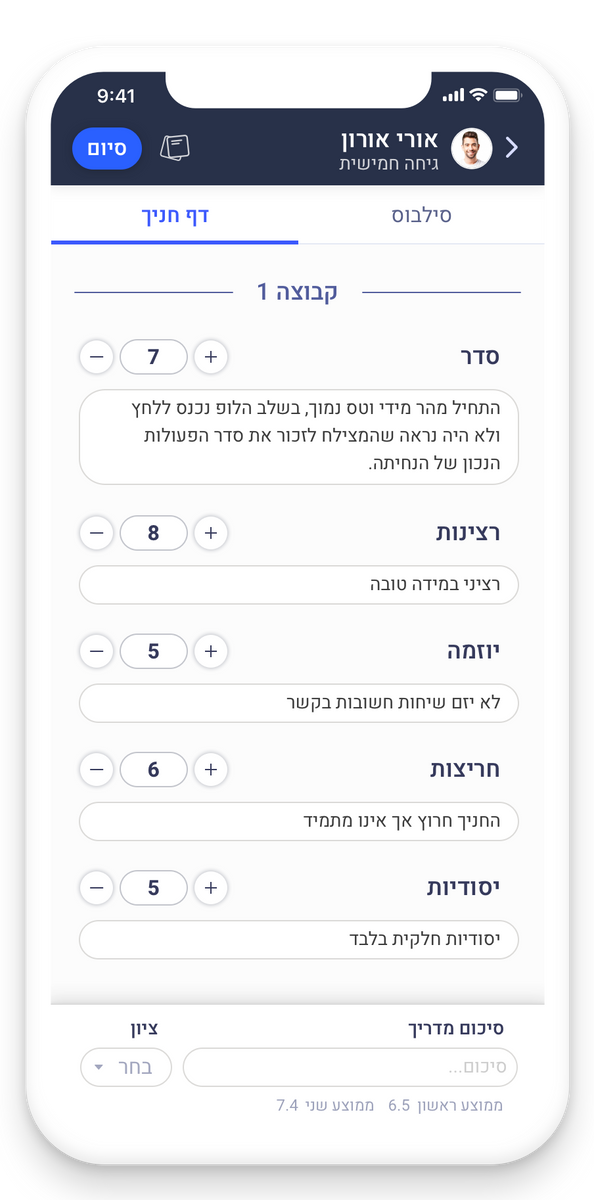
General information about the flight: the destinations, the exercises, how to perform them, and the statistics. This is also where an instructor fills out a post-flight evaluation for each trainee.
 Course commander
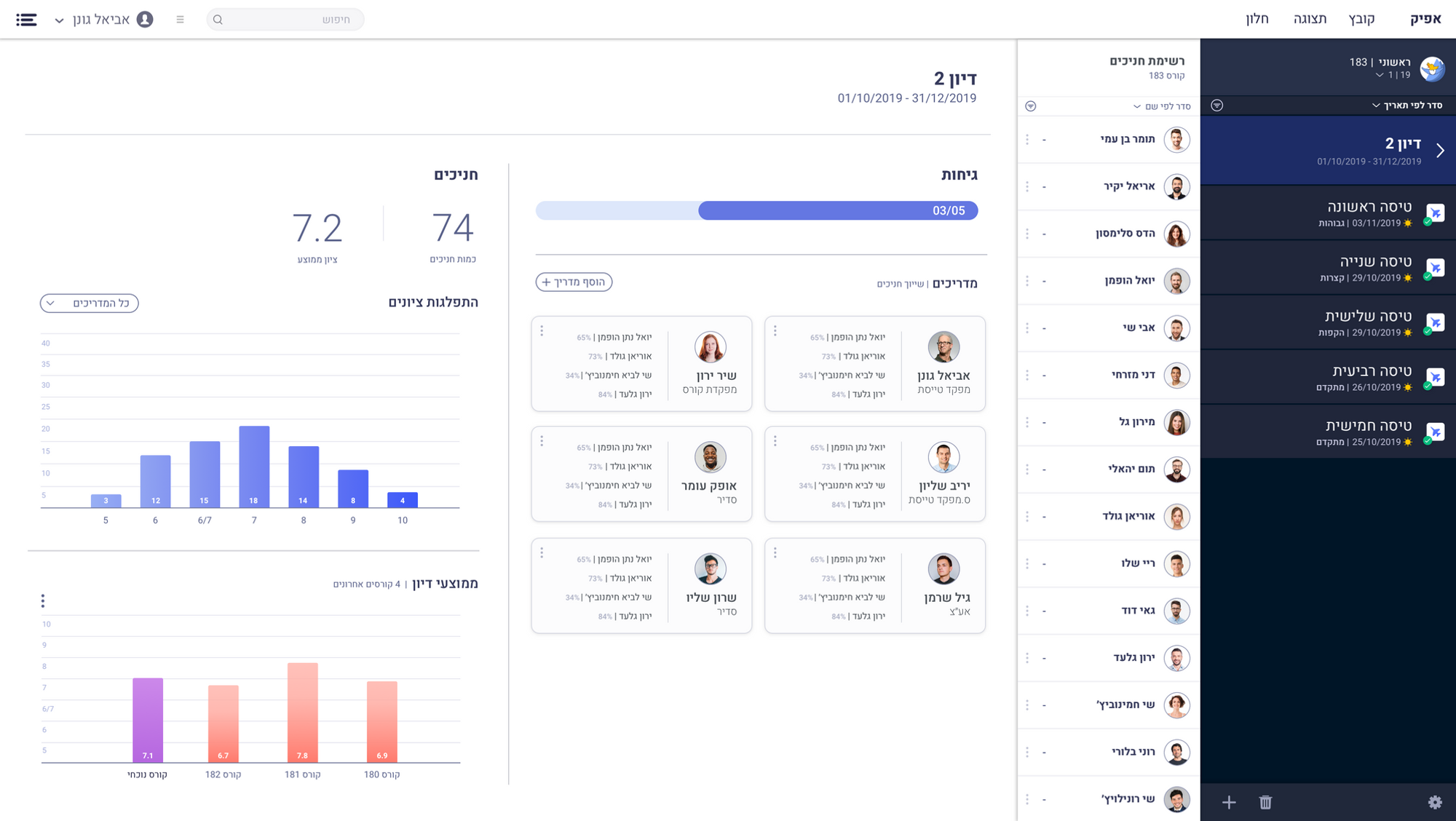
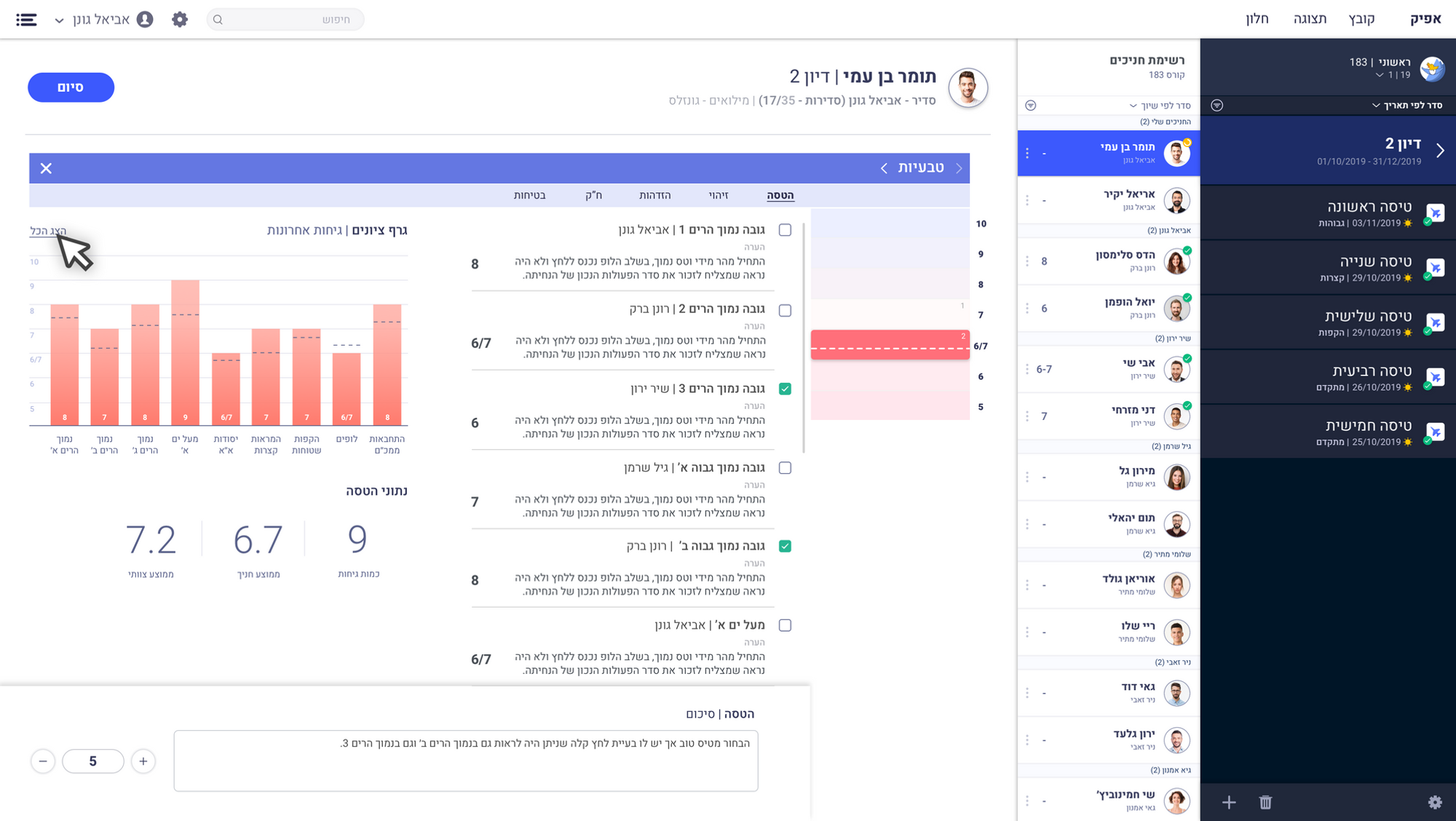
General information about the discussion, who the instructors are, and the statistics. At the end of a discussion, an evaluation is filled out for each trainee.
 Course commanderInstructor
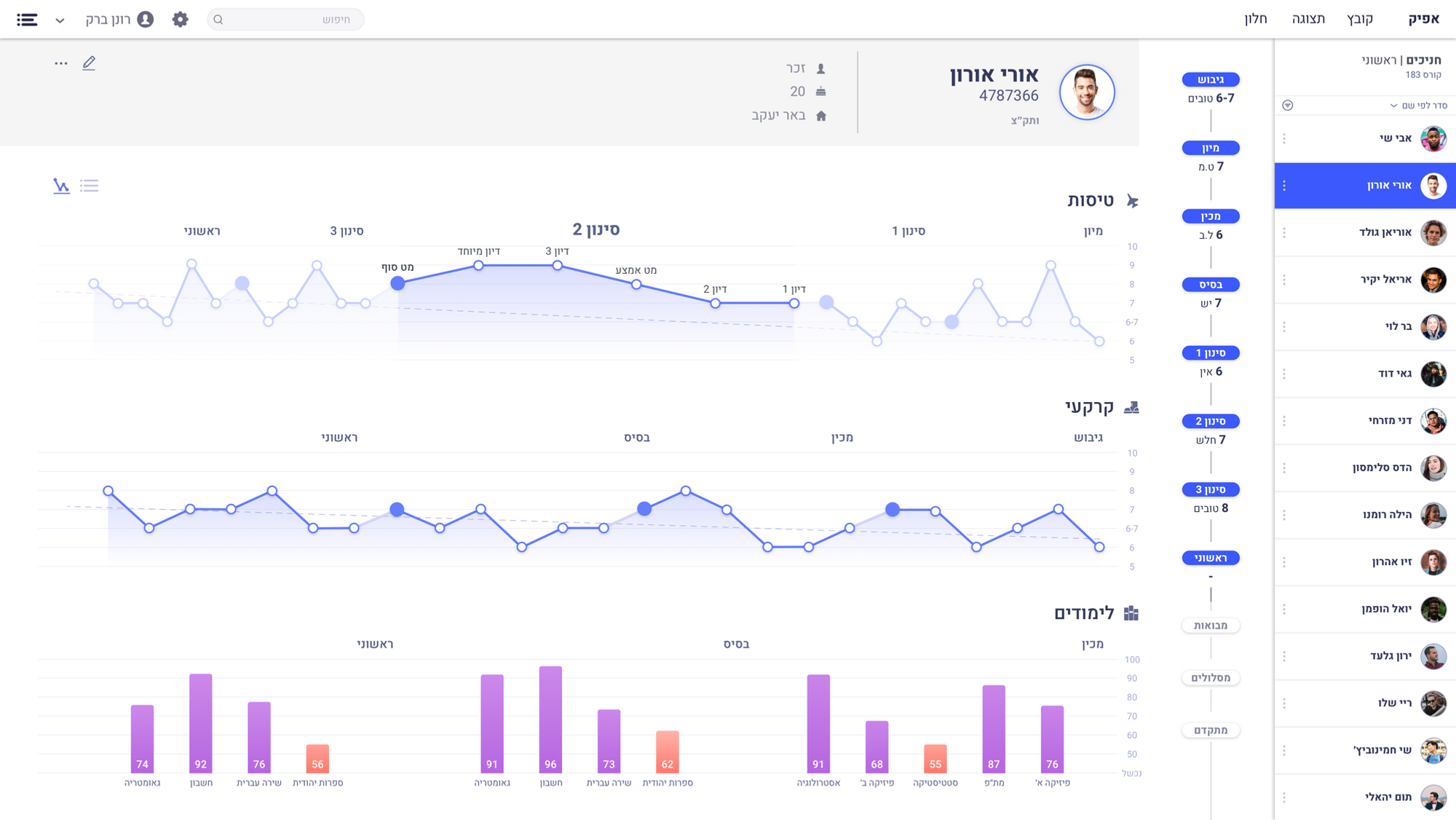
Personal information, progress during the course, grades by stage, and a comparison against the rest of the trainees on the course.
 Course commander
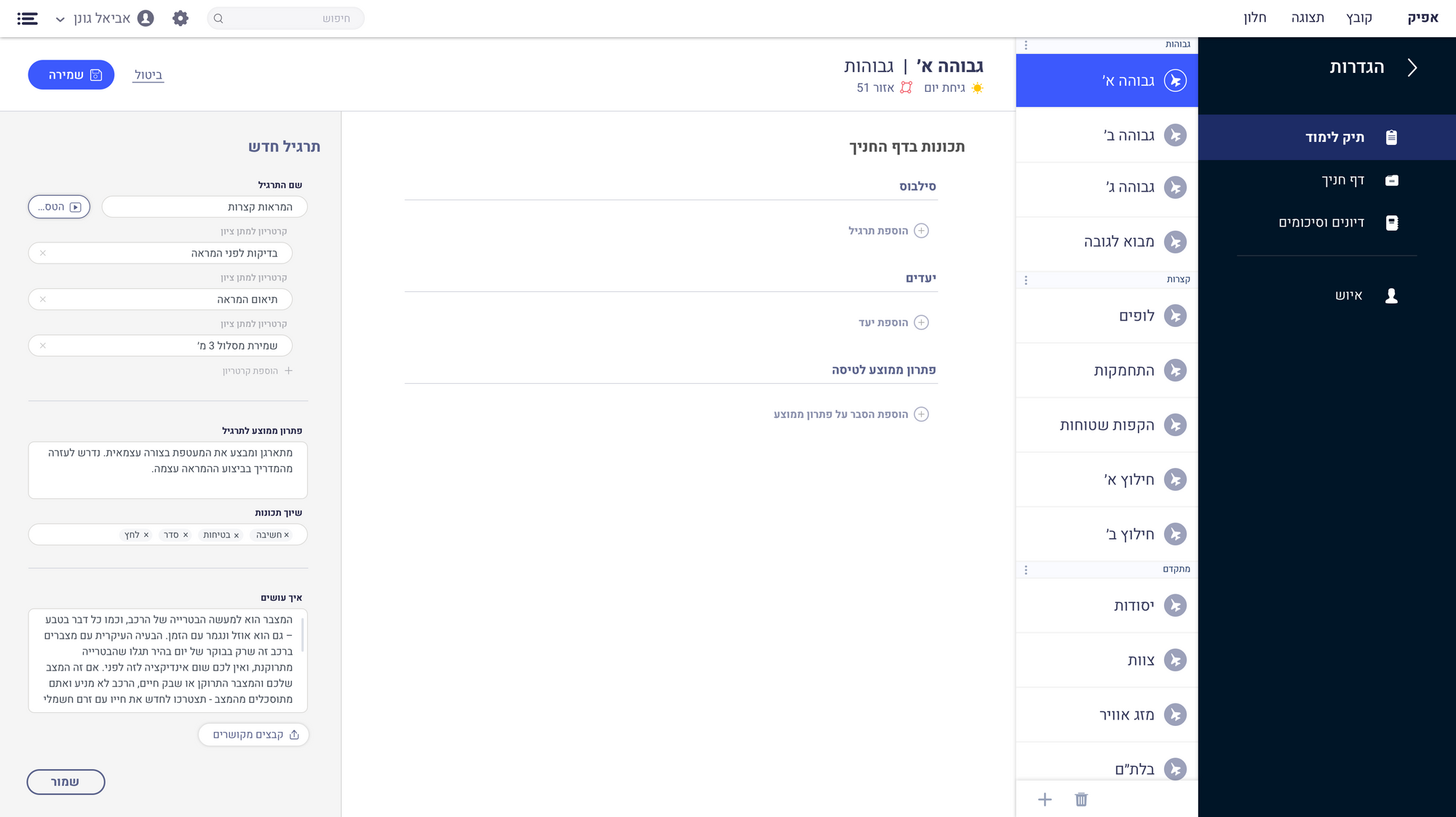
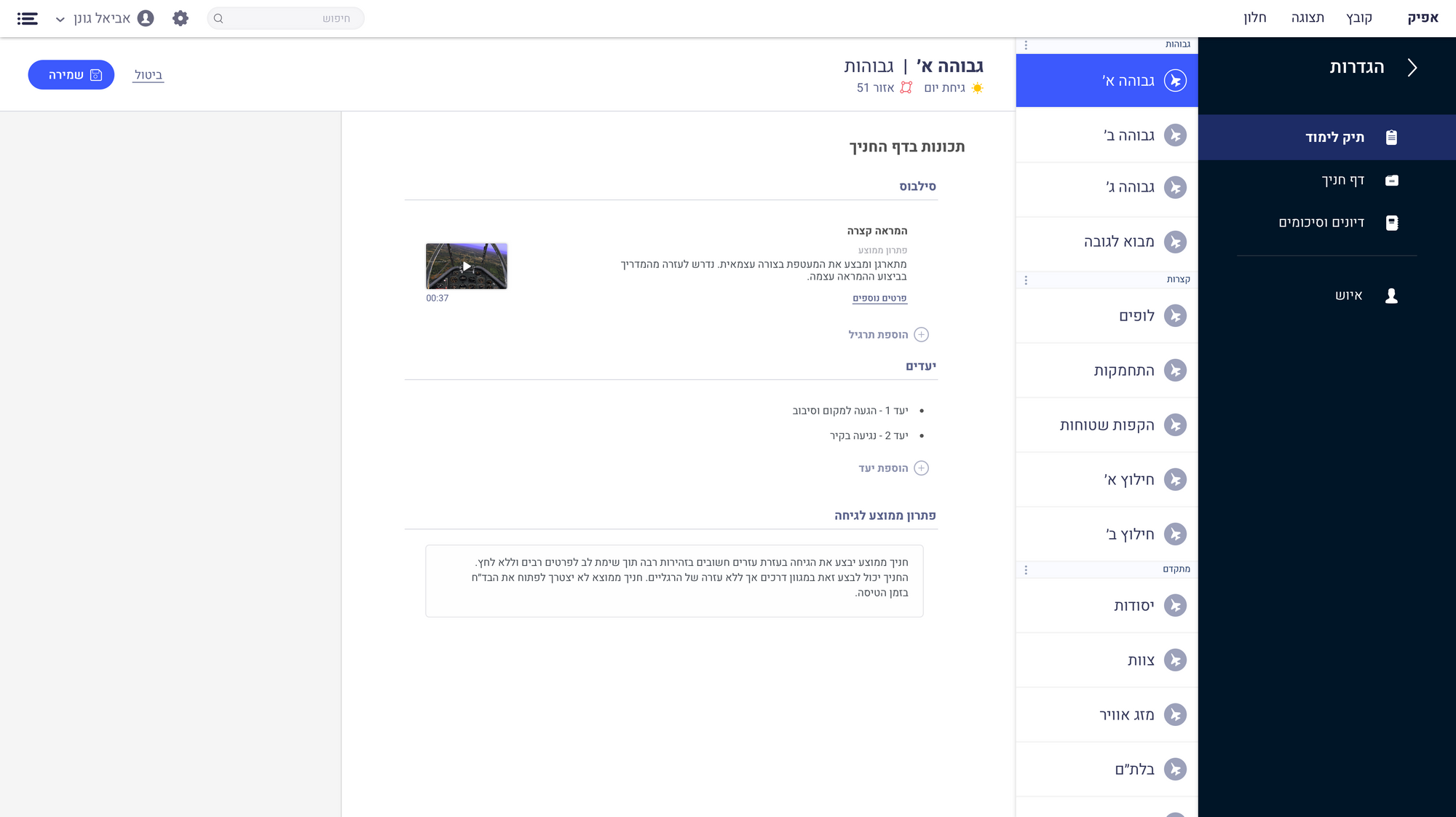
Creating the course data itself, from a single flight practice all the way up to full stage information.
 Trainee
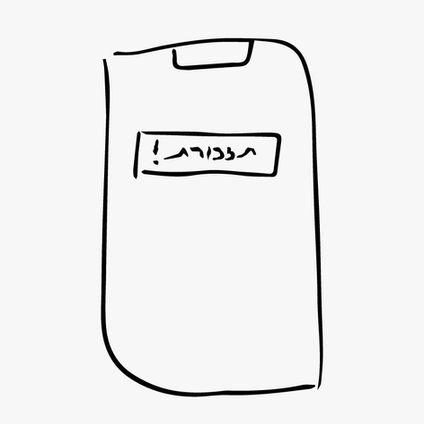
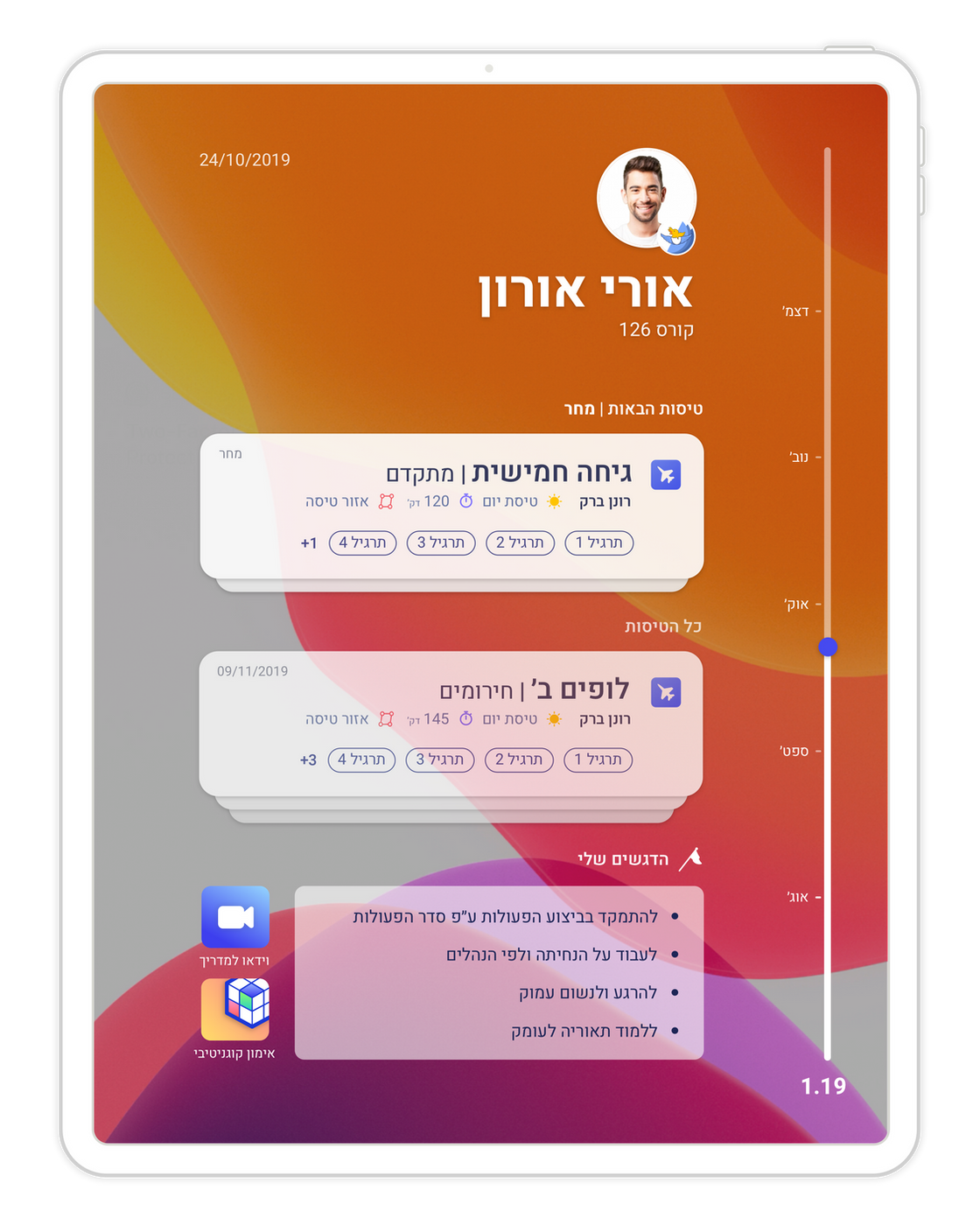
Where a trainee sees their progress in the course, gets alerts about upcoming flights, learns about them, and runs simulations.
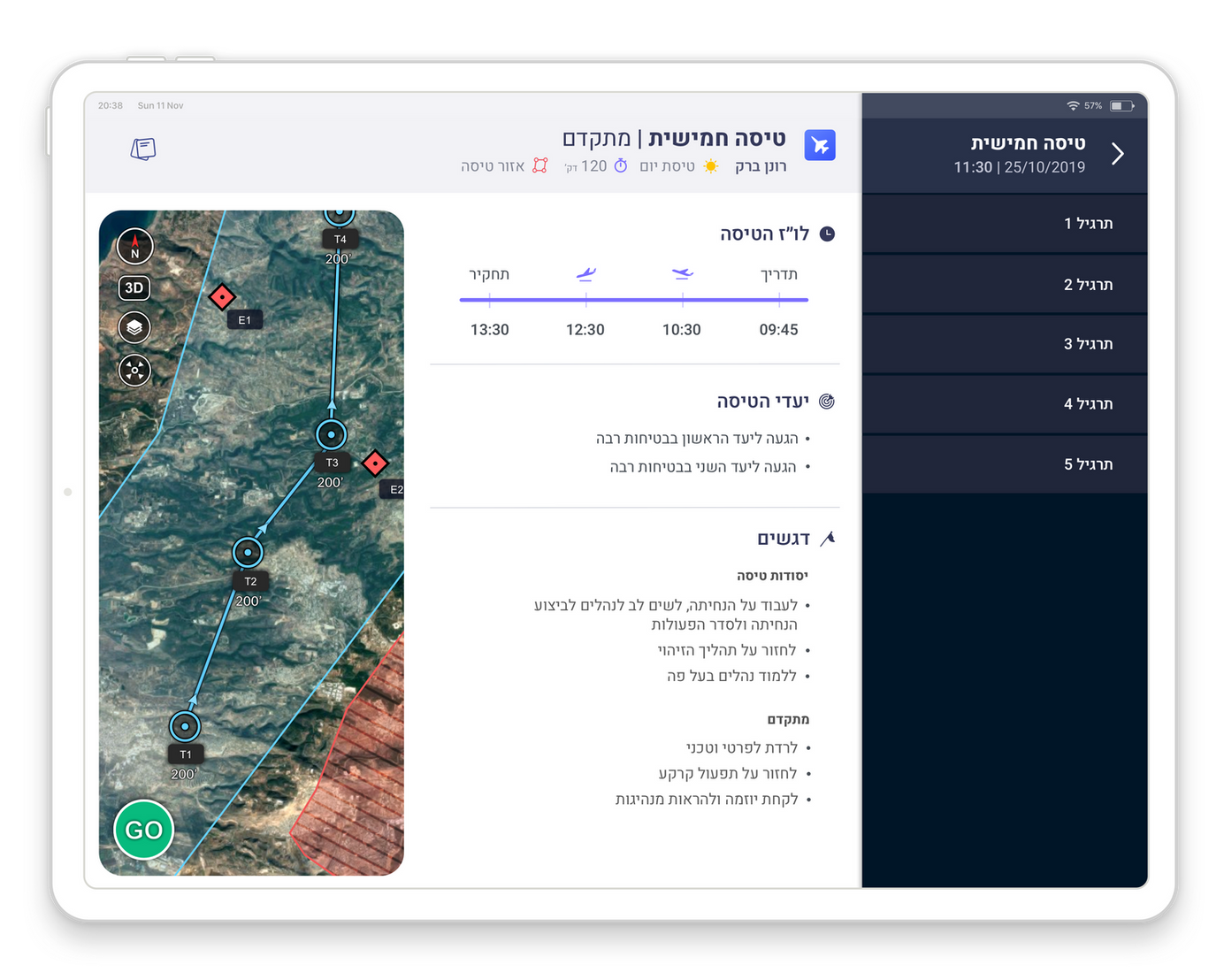
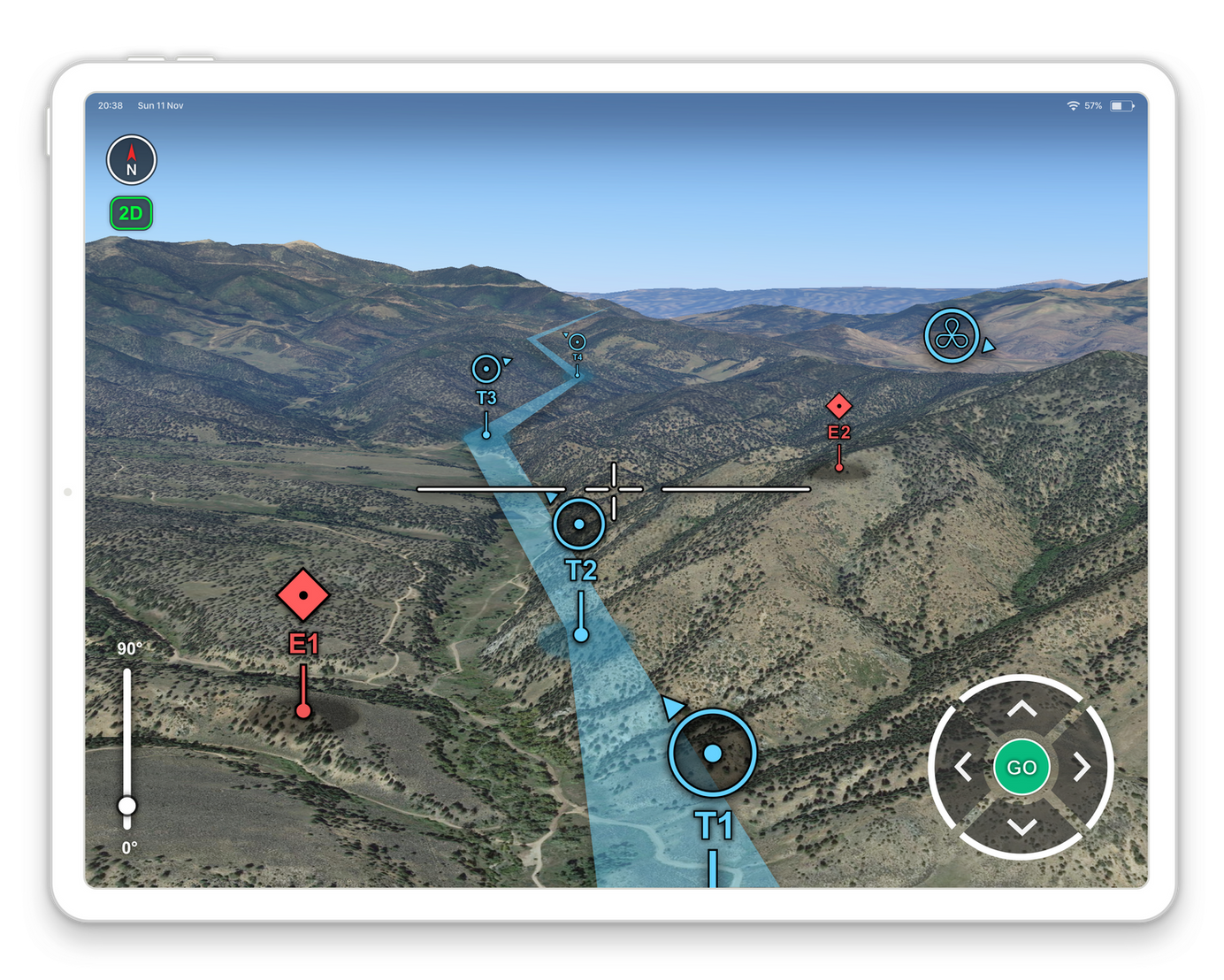
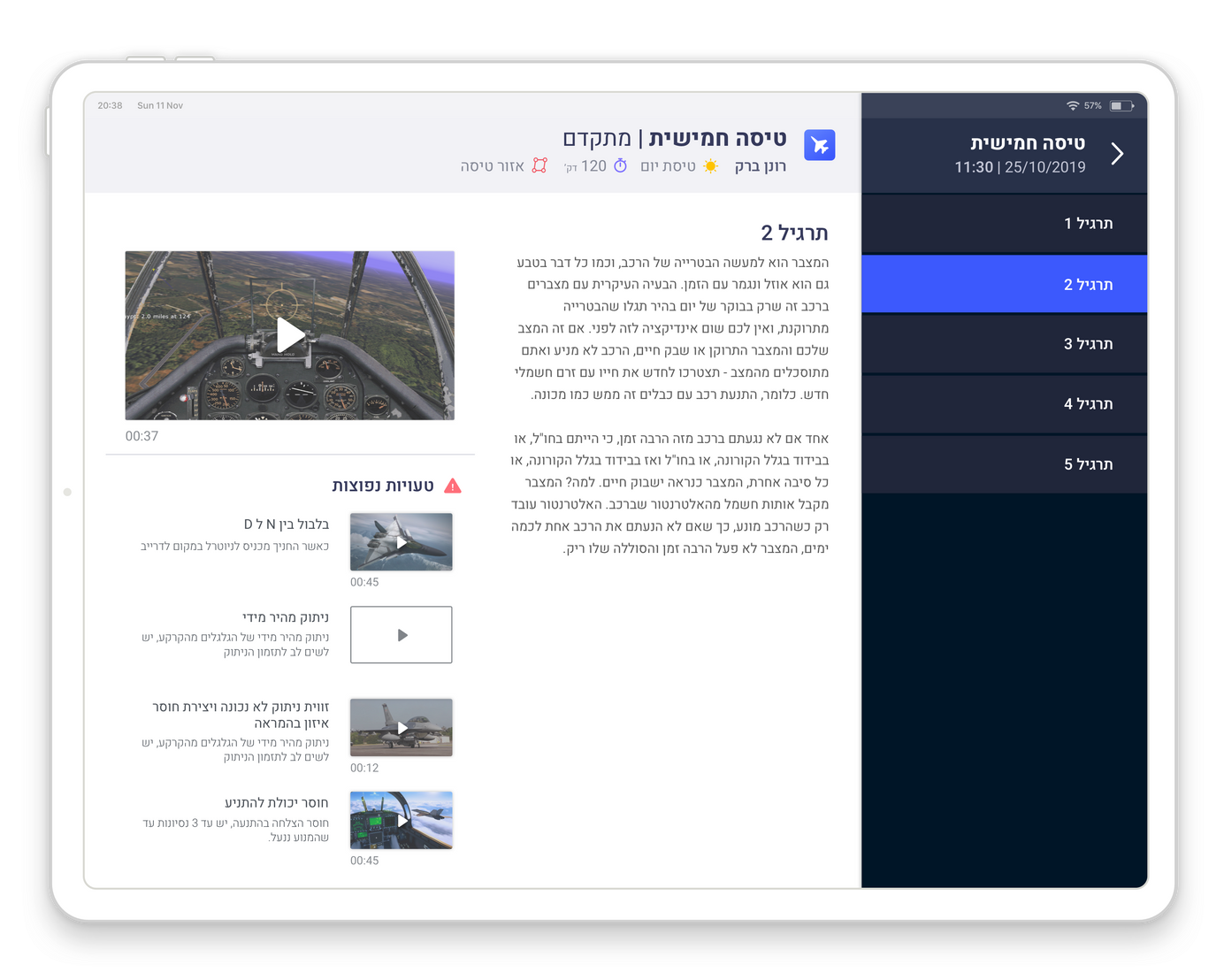 Instructor
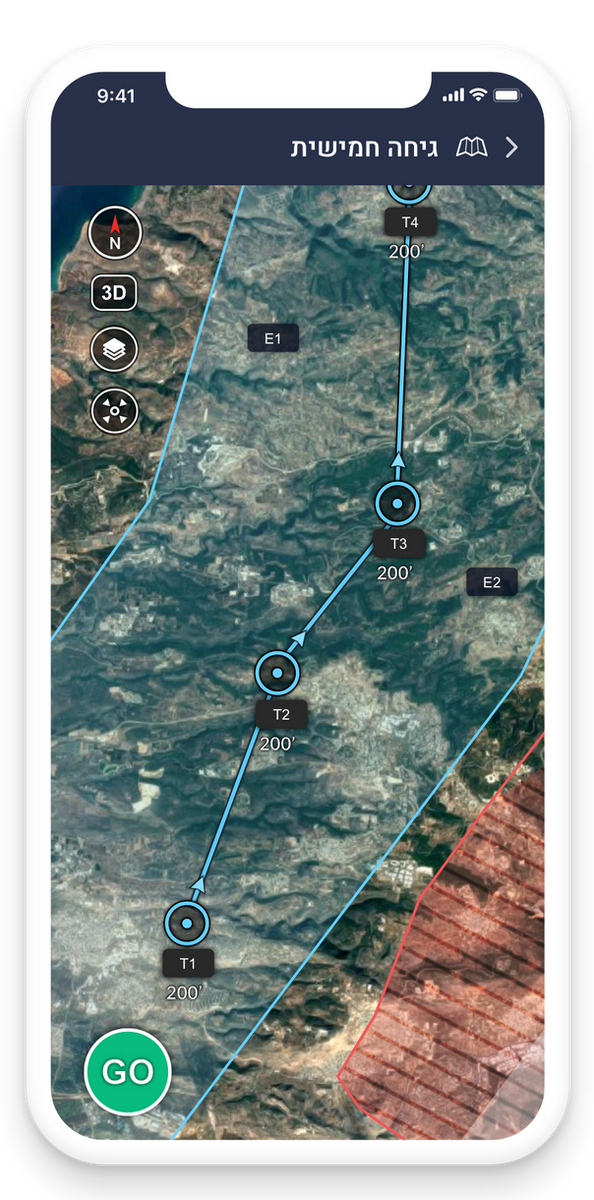
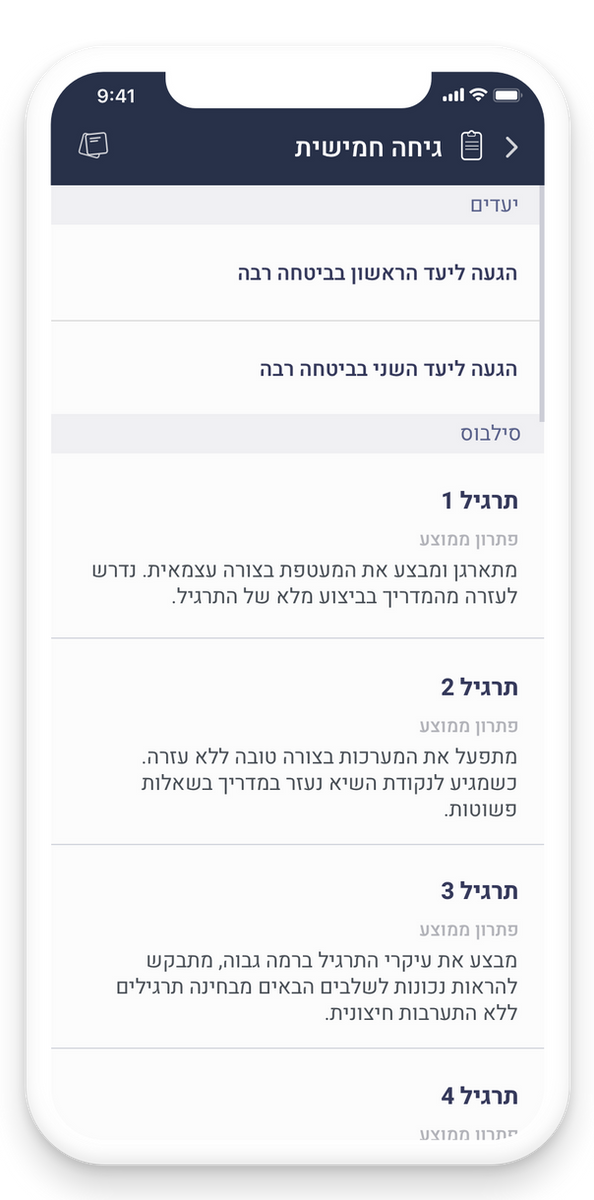
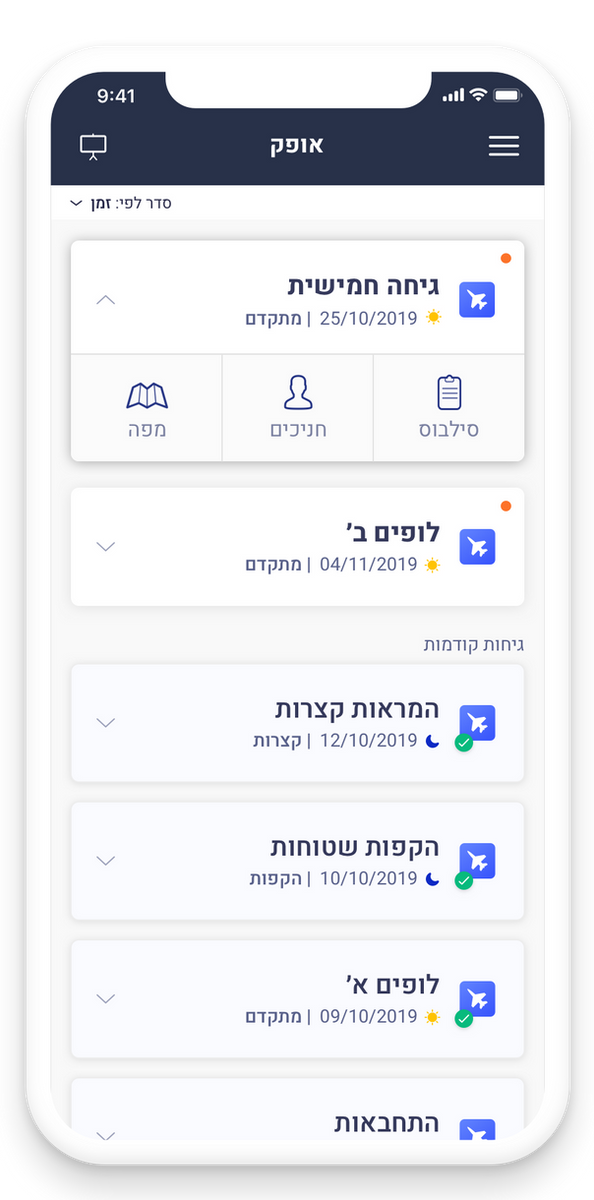
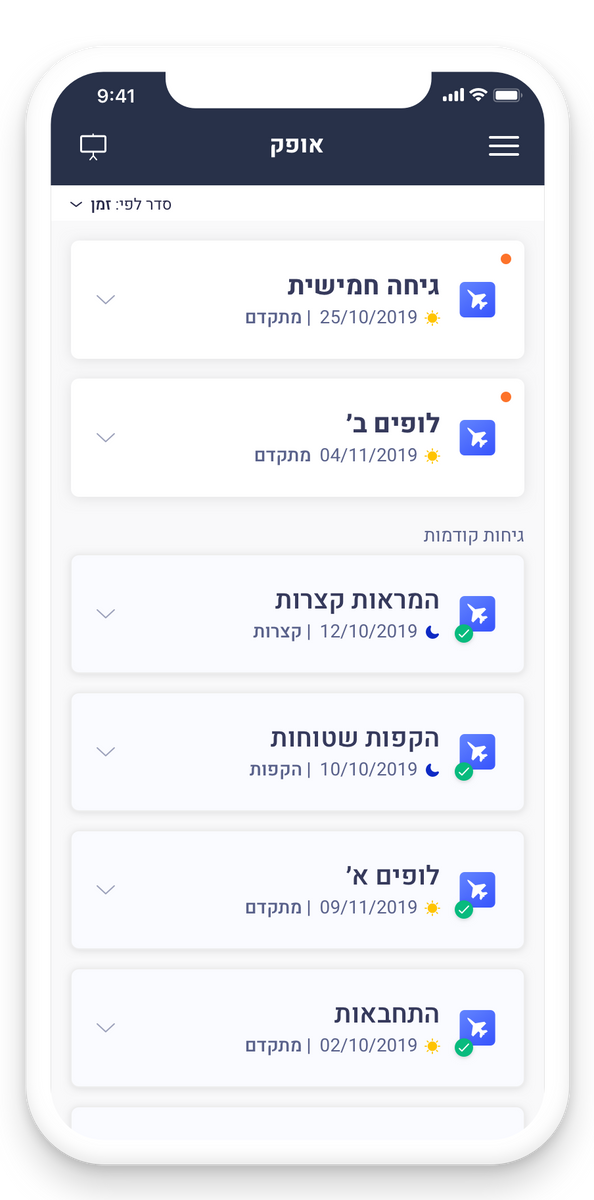
A mobile interface that lets an instructor prepare before a flight, and fill in evaluations on the trainees afterwards, from wherever they are.
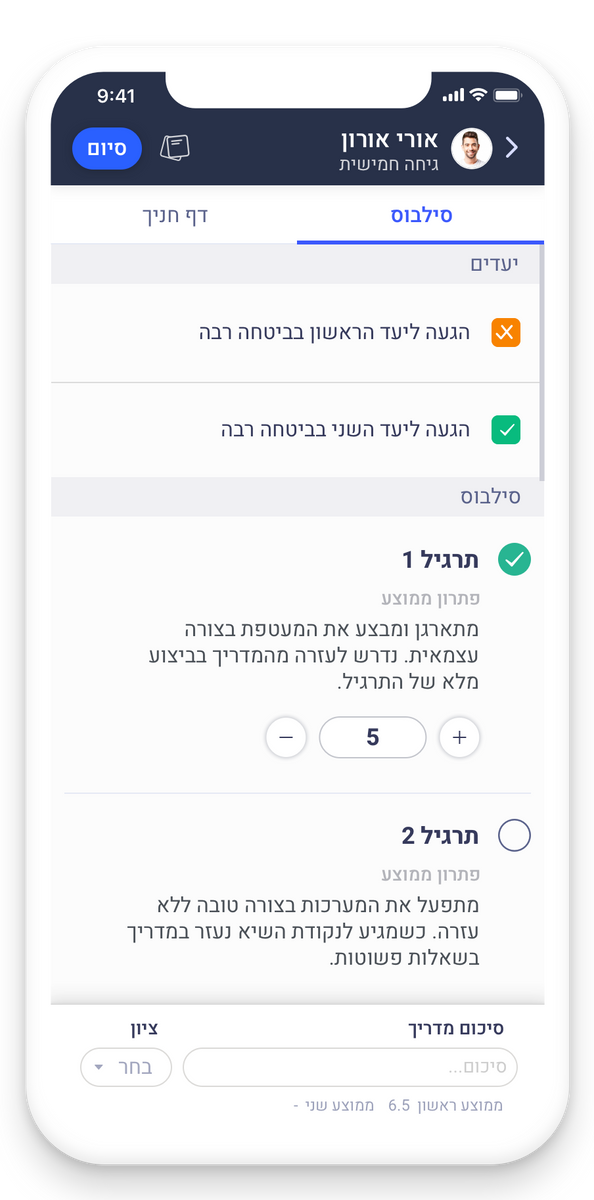
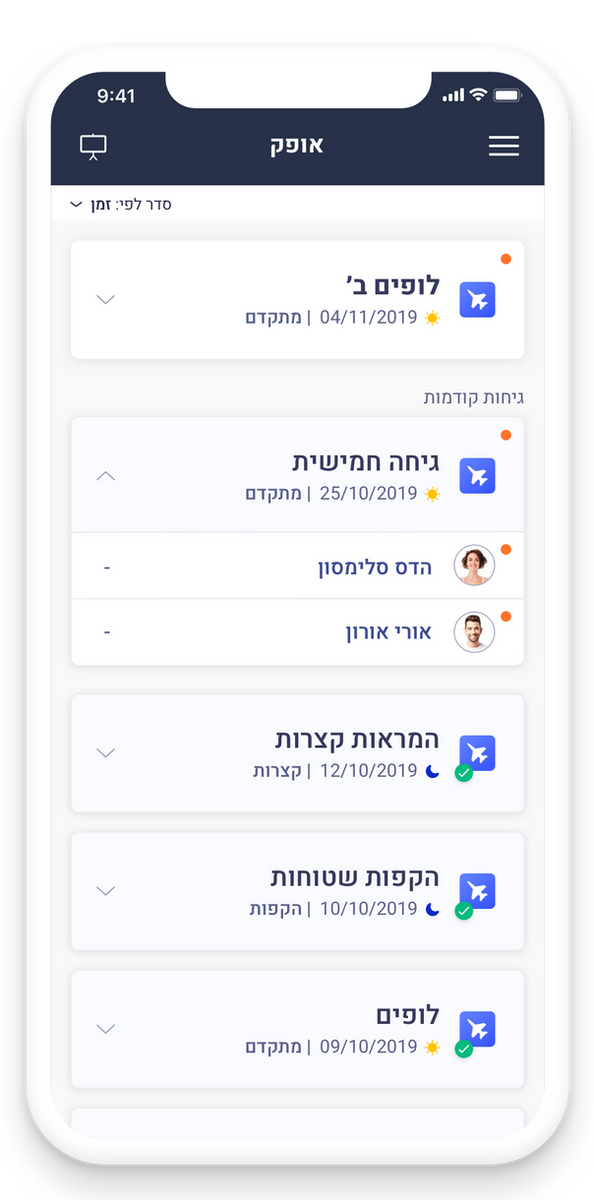
A well-structured information architecture transformed complex evaluation data into a meaningful experience, helping commanders understand each trainee's journey and make confident decisions.